
Mode
Talking-head mode: jump cuts from camera takes
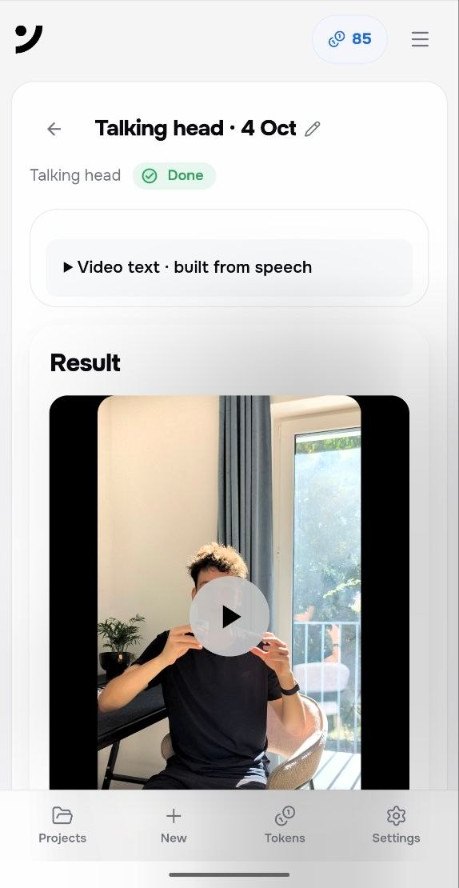
Talking-head mode is for videos where you speak to camera. Takes join in upload order. Pauses and filler come out. Captions sit on the words.
Who it is for
Explainers, founder updates, course lessons, YouTube to-camera videos. You record several takes and dump them in. Same framing helps the jump cuts read as one sitting.
The run does not pick the “best” take for you. Order is the order of upload. You can still swap clips after assembly.
What happens to audio and captions
Pauses, ums, and extra noise leave the track. Loudness is leveled. Word-level captions follow the remaining speech. You can edit wording and style on the timeline.
Export is a captioned MP4. That download does not spend tokens. The project start does.
Who it is not for
If you need B-roll on every line, use montage. If you only need a clean voice file, use voice-only. If you want twenty shorts from a podcast you did not film as takes, that is not this mode.
| Fits | Does not fit |
|---|---|
| Several takes of the same person | Multi-camera drama |
| Jump cuts and captions | Full motion-graphics shows |
Questions.
Do I pick the best take first?
No. Upload in order. You can still change clips on the timeline after the run.
Does it remove ums?
Yes. Filler and silence are cut from the talking-head track.